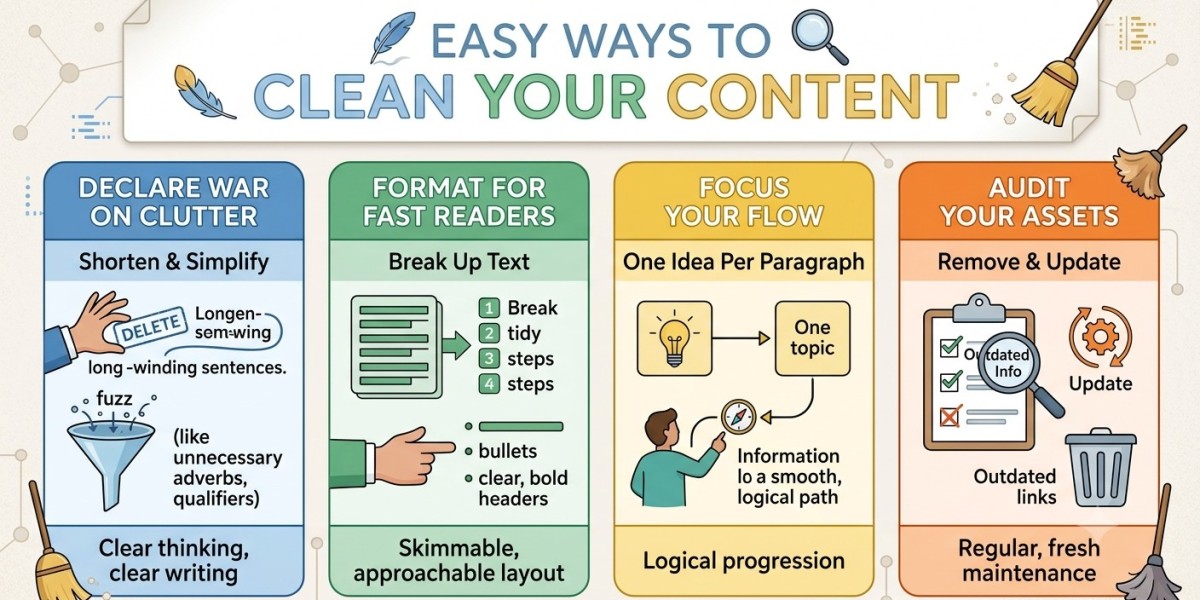

Have you ever copied some text from a PDF file, website, email or spreadsheet, only to discover that the text is broken mid-sentence by unwanted line breaks? This will certainly make reading the content more difficult and will require additional effort on your part for cleaning up or formatting the document. Luckily, you don't have to edit each line separately, because the right technique will help you eliminate line breaks fast.
No matter if you need to clean up just a couple of sentences or even hundreds of lines, the line break remover will speed up the process.
What Are Line Breaks?
A line break is used to indicate the beginning of a new line. It is necessary for formatting paragraphs, list items, addresses and other texts. But line breaks might become annoying when copying the text from other sources.
For example:
"Data entry services help businesses
manage repetitive tasks efficiently."
Upon removal of the unnecessary break, we have:
"Data entry services help businesses manage repetitive tasks efficiently."
This small step will make copied information more editable and reusable.
Why Remove Line Breaks from Text?
There are many reasons why you may need to remove line breaks from texts. If you copy content from PDF files, scanned text, emails or websites, sentences may be spread on different lines. That may influence readability and make text harder to process.
By removing unnecessary breaks, you will be able to:
Create more readable paragraphs
Prepare information for entering into spreadsheets or databases
Improve readability
Remove unwanted breaks quickly from copied information
Make text more editable and reusable
Prepare data for further processing
If you work with a lot of copied information, manual deletion of each break can be tedious and annoying.
Keep Your Text Clean and Readable
Not all line breaks have to be removed. Sometimes formatting is meaningful, which is why it is essential to be able to differentiate between unneeded breaks and intended paragraph spacing. A quality line break remover would make it easier to clean text without impacting any actual information.
Regardless of what you want to do, whether you want to clean copied text or prepare some data and edit documents, removing any unnecessary line breaks can speed up your process.
Conclusion
Line breaks may be small formatting problems, but when you have lots of text, they can easily turn into big problems. Instead of correcting each line individually, you can use a line break remover tool to quickly clean up and arrange your text. There is an option that will suit everyone from simple Find & Replace techniques to special online tools. In a few mouse clicks, you will be able to delete line breaks and create nice text.